Managing damage recovery effectively is crucial for businesses across many industries, whether it’s dealing with equipment damage, customer complaints, or operational mishaps. By using email triggers, businesses can streamline this process, reduce response times, and improve operational efficiency. Automated notifications play a significant role in making this happen. With the right setup, Email Triggers can quickly notify the necessary teams or clients about a damage-related issue, enabling faster resolution. Here’s how Email Triggers can enhance your damage recovery efforts and benefit your entire workflow.
Email Triggers: The Key to Real-Time Alerts

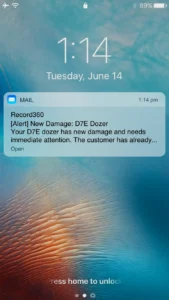
Email Triggers offer immediate notifications when an event occurs that requires attention. For example, if damage is detected in your equipment or product, an Email Trigger can send an alert to the appropriate team member instantly. This provides your team with real-time alerts, enabling a faster response time and more effective damage recovery.
Instead of relying on manual checks or delayed notifications, Email Triggers ensure that your team is always on top of the situation. Whether it’s a customer service issue, a qualified lead, or an internal process that needs addressing, these automated emails make it possible to handle multiple situations simultaneously, which in turn improves your overall efficiency.
Add Automation for Improved Customer Experience
Customer expectations are rising, and businesses need to keep up. The use of marketing automation tools, like Email Triggers, ensures that your customers are informed and updated about their concerns. For example, when a damage recovery event occurs, customers can automatically receive updates via automated emails, keeping them informed about the progress and next steps. This ensures that customers aren’t left wondering what’s happening with their issue, which ultimately enhances their customer experience.
Implementing Email Triggers can significantly improve how you engage with new subscribers or existing clients. Sending an automated message confirming a customer’s report or offering a loyalty program update are great examples of how Email Triggers can add value to your communications. Customers appreciate this level of personalized experience, and it can even encourage repeat business, further building stronger customer relationships.
The Power of Real-Time Alerts in Damage Recovery
For many businesses, the ability to detect and act on damage recovery events quickly is critical to maintaining service quality. When Email Triggers are set up correctly, you can be notified immediately whenever an event occurs that impacts your operation, allowing your team to take quick action.
Let’s say a piece of equipment is damaged or an incident occurs that requires urgent attention. Email Triggers can notify the person in charge immediately, enabling them to begin the recovery process without waiting for someone else to escalate the issue. This speed in response not only reduces downtime but also minimizes costs. In this way, Email Triggers streamline the entire process, making it easier to handle incidents efficiently.
This also extends to internal operations. If a critical issue arises that requires attention from multiple departments, internal alerts sent through Email Triggers notify the right teams and create a clear path forward. Your team can begin problem solving right away, which saves both time and money.
Save Time and Money While Improving Customer Experience with Automation
When you implement Email Triggers within your business’s damage recovery strategy, you’re effectively automating a key part of your process. This allows you to focus on problem solving while the system handles much of the communication automatically. The benefits of automation are clear: save time, reduce human error, and increase overall efficiency.
Additionally, Email Triggers can help businesses track data and relevant details about inspection reports. With an analytical approach, you can gain insights into how often damages are detected and what exactly needs to be fixed. This data can be used to refine your rental strategy and ultimately improve your customer experience by ensuring damages are noted properly—avoiding the risk of holding customers responsible for issues they didn’t cause.
Streamlining Communication and Support
One of the biggest benefits of using Email Triggers is how they streamline communication, both with customers and within your team. For example, once damage recovery is in progress, Email Triggers can notify both the customer and your internal team. This ensures that all contacts are updated simultaneously, avoiding delays and miscommunications.
Moreover, Email Triggers offer an easy way to notify clients of updates, such inspection completed. Sending these updates automatically through Email Triggers reduces the workload on your team and ensures that important messages get delivered without delays.
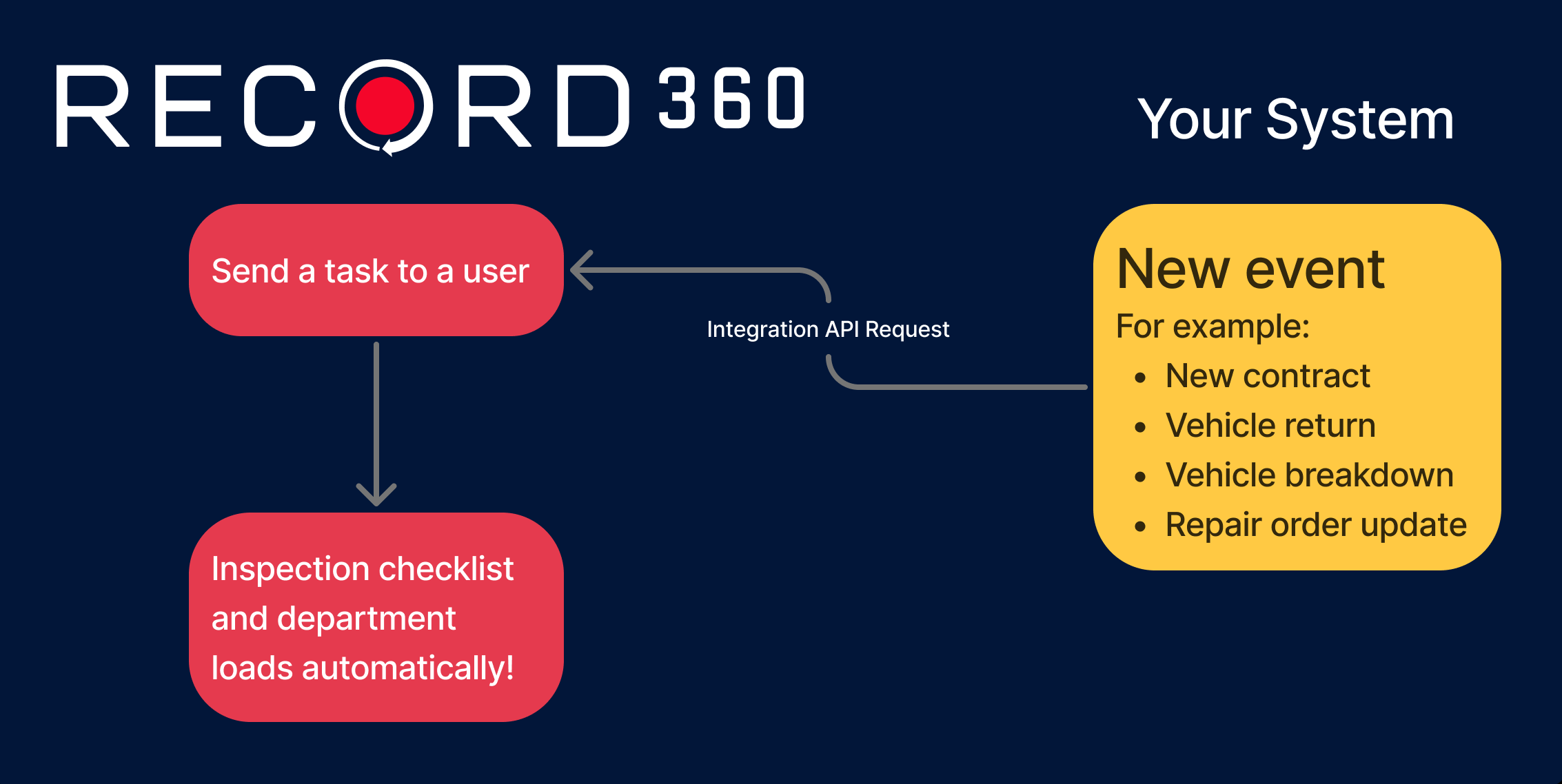
Recently, we introduced Task Triggers which automates your post-inspection workflows by instantly creating follow-up tasks when key conditions are met. When inspections uncover issues that require fast action such as reported damage, service requirements, or returned rentals, these intelligent rules turn inspection data into immediate, actionable steps. The follow-up tasks are sent to the right team members with due dates, department tags, and workflow labels. This ensures the right follow-up inspections or actions happen, without dropped steps or manual back-and-forth.
With email and Task Triggers, every step is automated.
Conclusion: Unlock the Full Potential of Email Triggers with Record360
By implementing Email Triggers, you can unlock several ways to improve your damage recovery process and overall workflow. Whether it’s automatically notifying the internal inspection team or customers of new damages, Email Triggers offer a simple yet powerful solution. With the ability to send automated updates, track key details, and manage customer communications, businesses can improve their efficiency and deliver higher value to their customers. The use of automation ultimately benefits both the business and its clients, leading to better customer loyalty, smoother operations, and more cost-effective processes.
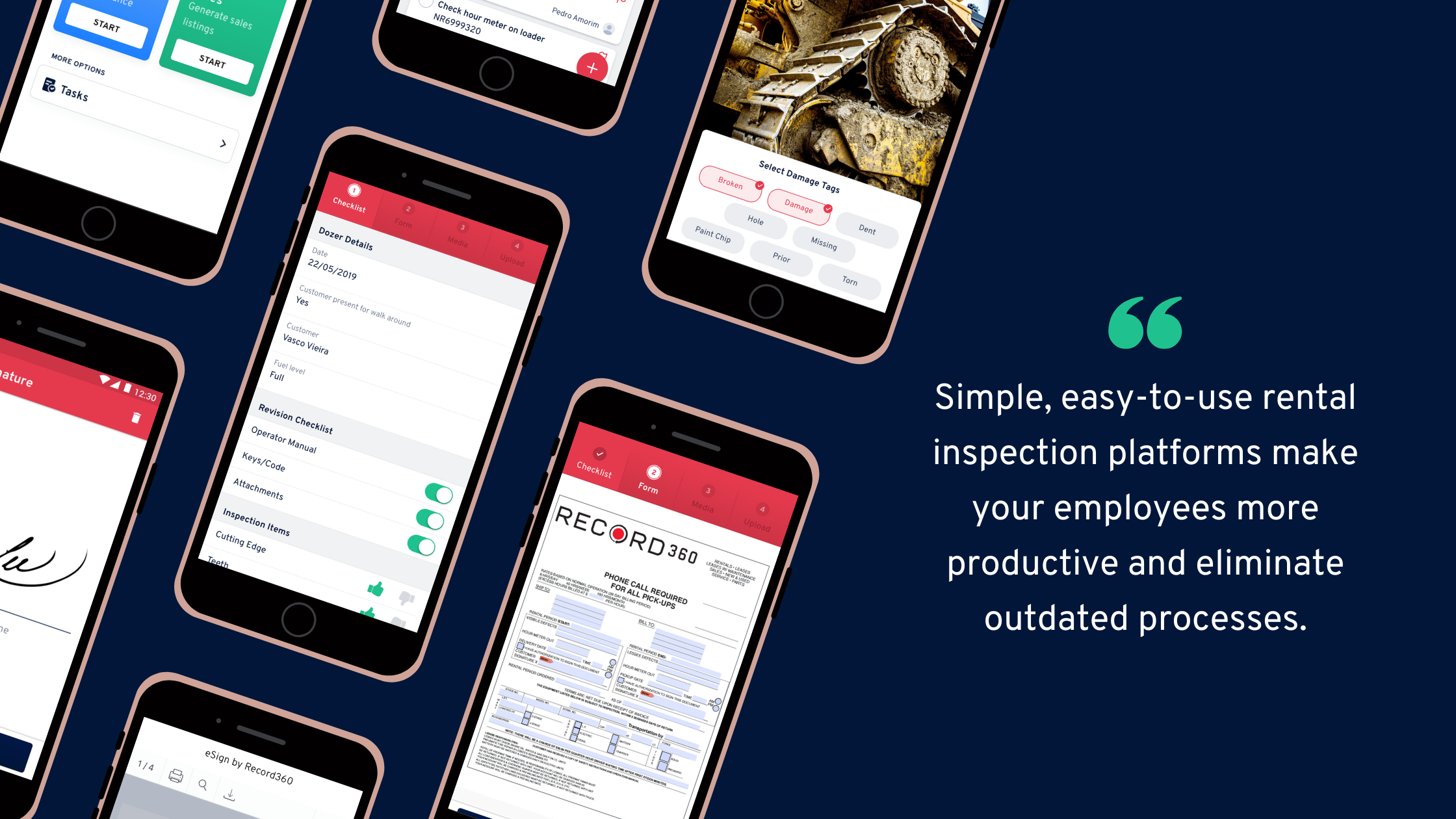
That’s where Record360 comes in! Record360’s mobile platform helps rental operators of all sizes deliver an incredible customer experience by protecting yourself from damages—creating a consistent & transparent process. We help rapidly market & sell your used equipment to interested buyers in just minutes, not hours. We also connect your service department & customers in a single tool by offering the simplest technology program you’ll ever implement, with guaranteed results that build customer trust. Rent out your heavy equipment and trucks stress-free, knowing you have high quality documentation and tooling to rely on
- Recover on damages fast
- Create a stress-free customer experience
- Save time by eliminating your paper-based processes
- Attract & hire better talent with easy-to-use, digital tools
Begin setting up Email Triggers and much more using Record360’s inspection platform. Schedule a personalized demo with one of our experts today!