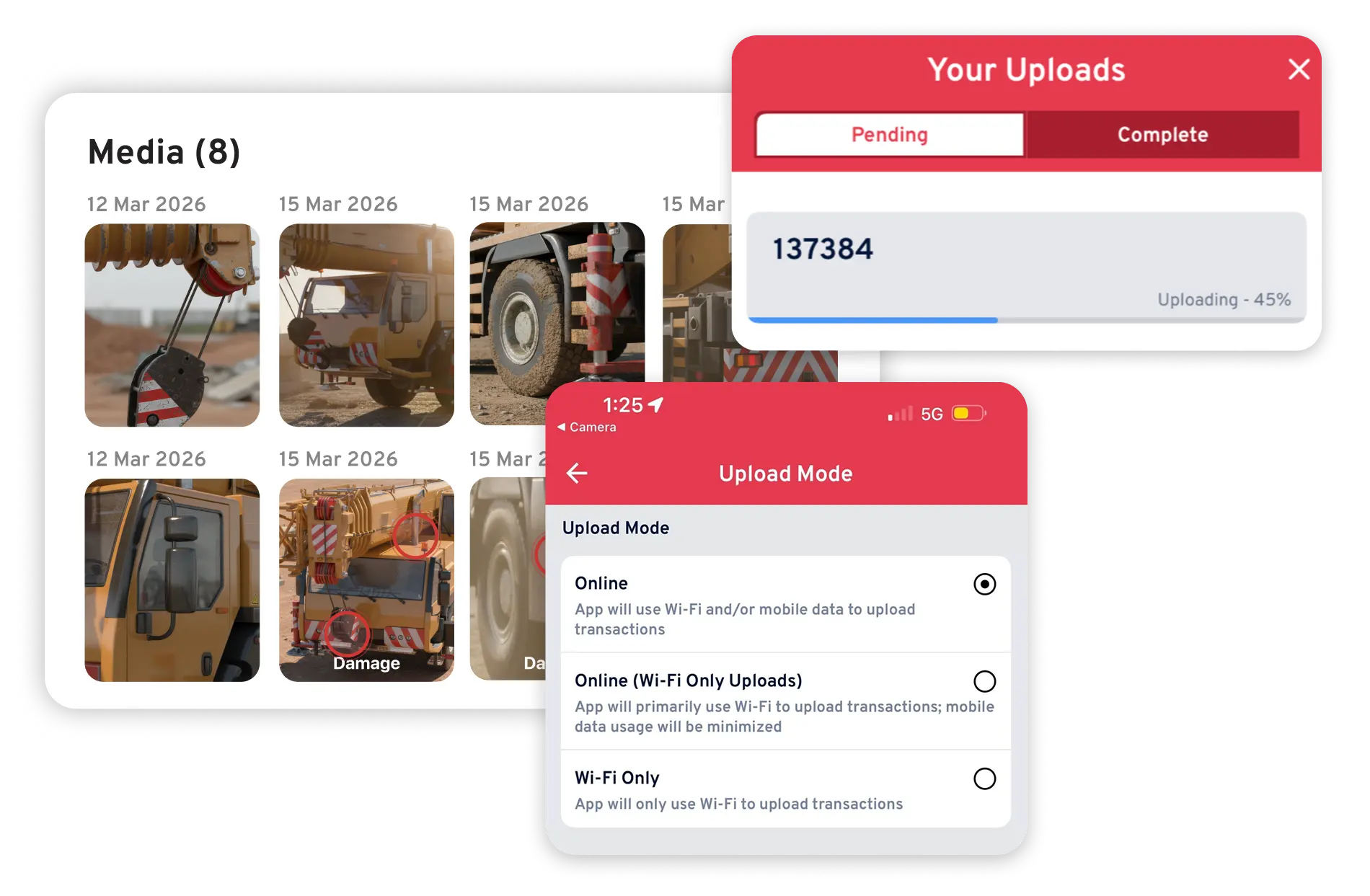
See Record360 at Bauma 2025: April 7-13, Munich, Booth C4-719

Workflow Automation Software for Inspection-Driven Operations

Automate Workflows from Inspection to Action

Stop juggling manual handoffs and scattered tools. With Record360, inspections, documentation, and follow-up all happen in one automated workflow. Your team works faster, makes fewer mistakes, and every step runs smoothly without extra effort.

From capture to follow-up, every inspection becomes part of a repeatable, automated process that keeps operations moving.

Workflow Automation

Connect Inspections, Documentation, and Next Steps Automatically

Manual Workflows Slow Teams Down

Inspections happen in one place, documentation in another, and follow-up actions rely on emails, spreadsheets, or memory. Record360 connects these steps into a single inspection-driven workflow, so teams don't have to chase information or manually trigger next steps.
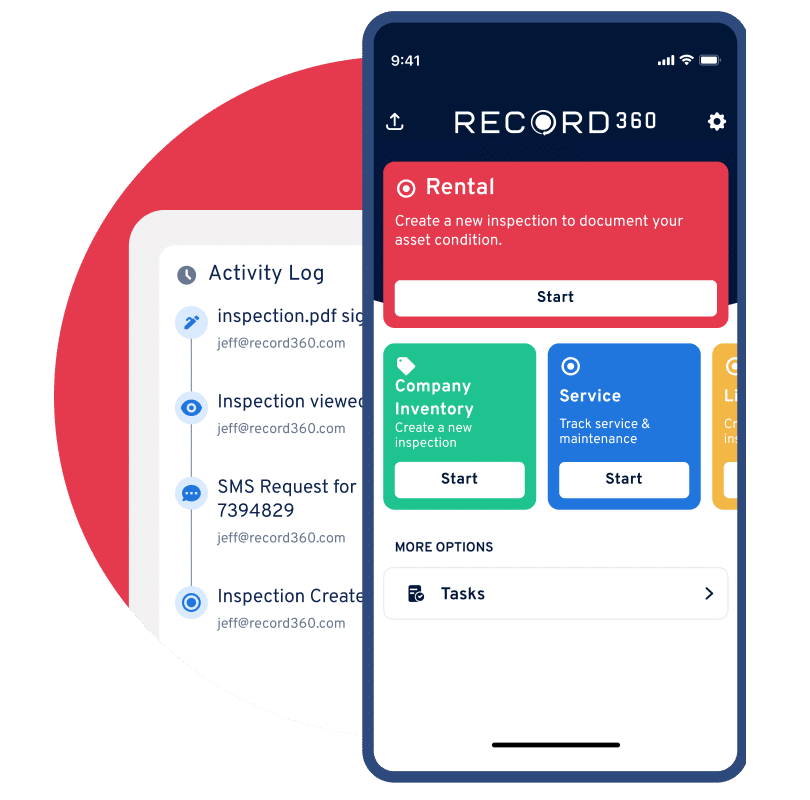
  • Automate inspection-driven workflows across operations
  • Reduce manual data entry and duplicate work
  • Capture, review, share, retrieve
  • Ensure follow-up actions happen automatically
  • Standardize processes across every location
Record360 inspection-driven workflow automation
Step 01
Capture Inspection Data

Complete inspections with photos, notes, and structured data.

Step 02
Generate Documentation

Automatically create inspection summaries and reports.

Step 03
Trigger Next Actions

Initiate follow-up tasks based on inspection results.

Step 04
Retrieve and Act

Access records instantly and keep workflows moving.

Four Capabilities

Four Capabilities That Enable Workflow Automation at Scale

01

Centralize Workflows Across Locations

Standardize processes so every team follows the same workflow, no matter where they operate.
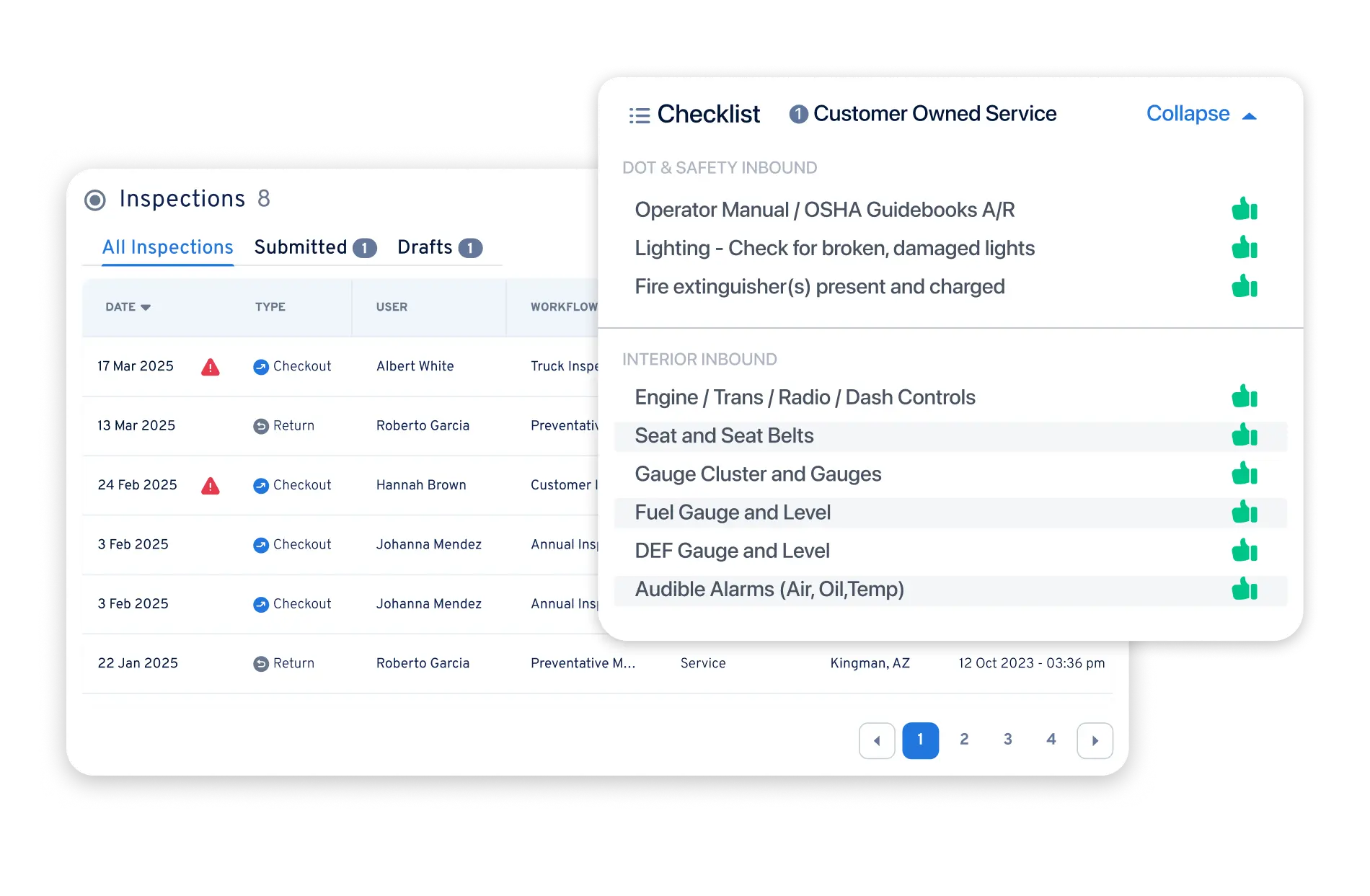
  • Centralized inspection workflows
  • Consistent execution across locations
  • Standard operating procedures enforced
  • Scalable process design
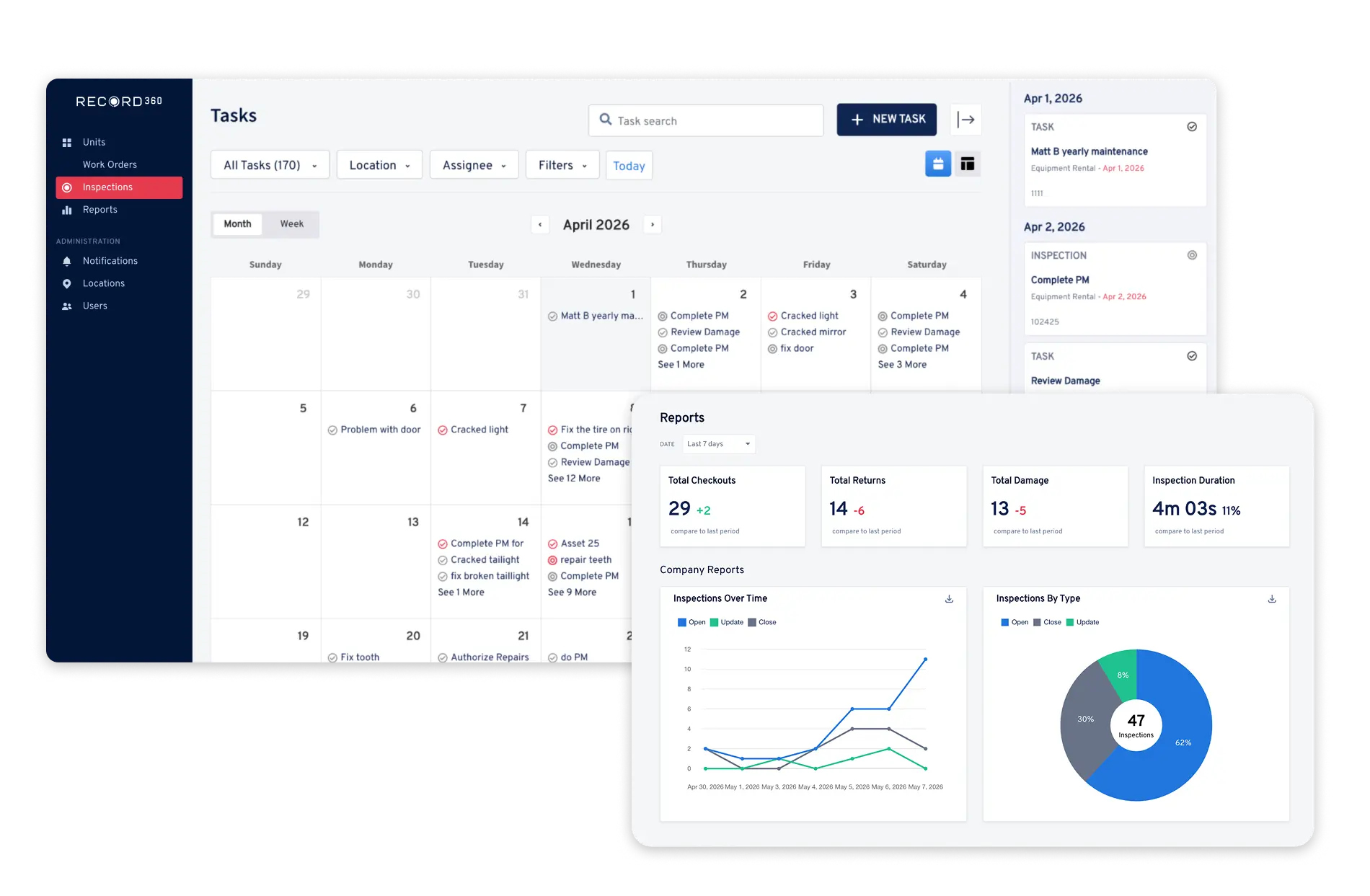
Record360 centralized workflow screenshot
Record360 event-based automation screenshot
02

Automate Actions Based on Real Events

Trigger workflows automatically the moment an inspection is completed.

  • Event-based workflow automation
  • Inspection-driven triggers
  • Automated next steps
  • Reduced manual coordination
03

Drive End-to-End Workflow Execution

Ensure every step is completed—not skipped or forgotten—from start to finish.
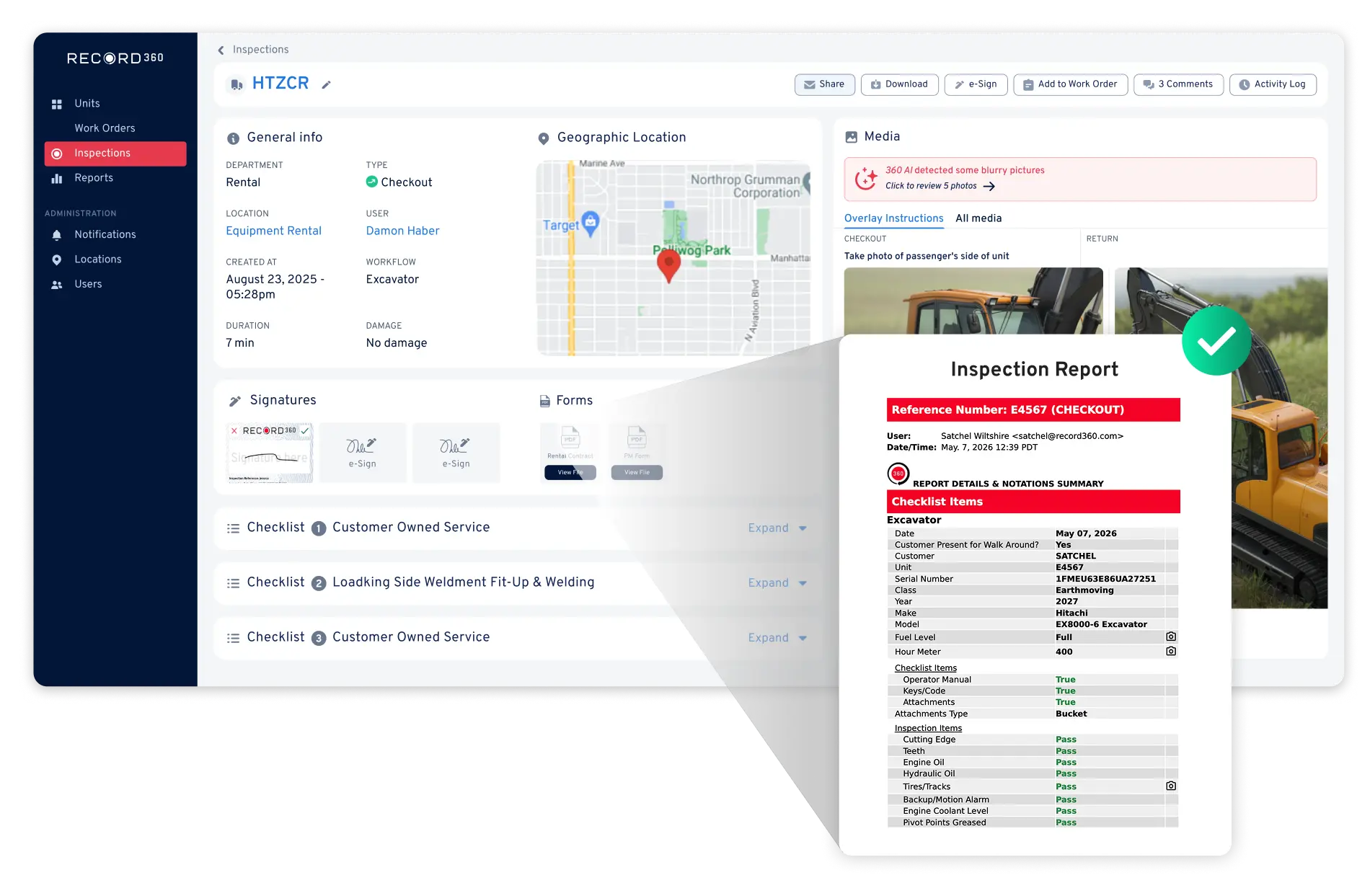
  • Workflow enforcement across processes
  • Required steps and validations
  • Complete process visibility
  • Fewer missed steps and errors
Record360 workflow execution screenshot
Record360 connected systems screenshot
04

Connect Workflows to Core Systems

Integrate workflows into your existing operational systems for a single source of truth.

  • Integration with rental and asset systems
  • Connected field-to-office workflows
  • Unified data across platforms
  • Reduced duplicate entry
From Inspection to Action

From Inspection to Action in Four Steps

Record360 works seamlessly with your existing workflow. No complicated setup, zero operational disruption.

1

Standardize the Workflow

Define inspection workflows and required steps across locations.

2

Execute in the Field

Teams complete inspections using guided workflows.

3

Automate Documentation and Tasks

Reports are generated, and follow-up actions are triggered automatically.

4

Monitor and Retrieve

Teams track execution and access documentation instantly.

Before & After

What Changes When You Standardize Field Operations

The Problem Before Record360
Disconnected inspections, documentation, and follow-up
Teams rely on manual handoffs between systems and processes
Manual data entry and duplicate work across systems
Information is re-entered multiple times, increasing errors
Missed steps and inconsistent workflow execution
Processes vary by location, leading to incomplete execution
Follow-up actions depend on manual coordination
Teams must remember or communicate next steps manually
Limited visibility into workflow status and progress
Difficult to track where work stands across locations
Slow cycle times from inspection to next action
Delays occur between capture, documentation, and follow-up
The Solution With Record360
Connected workflows from inspection through follow-up
All steps are linked in a single automated process
Reduced manual work and duplicate data entry
Capture once and reuse across the entire workflow
Standardized execution across teams and locations
Consistent workflows ensure every step is completed
Automatic task creation and assignment
Follow-up actions are triggered without manual coordination
Clear visibility into workflow progress and status
Track completion and identify gaps in real time
Faster cycle time from inspection to action
Move from capture to next step without delays

Frequently Asked Questions

How does Record360 automate workflows?

Record360 connects inspections, documentation, and follow-up actions into a single workflow, automatically triggering next steps based on inspection results. Automatically create a work order when brakes fail inspection. Trigger service scheduling when unit hours exceed thresholds. Notify parts teams when inspections flag missing equipment.

Workflows for checkout/return, delivery, service intake, preventative maintenance, and other inspection types can all be automated using Record360.

Yes. Record360 reduces paperwork, eliminates duplicate entry, and replaces manual coordination with automated workflows.

By reducing manual steps, enforcing workflows, and automating follow-up, teams complete work faster with fewer errors.

Reduce Manual Work and Automate Operational Execution

Connect inspections, documentation, and follow-up into a single automated workflow, so your team can move faster with fewer errors.