See Record360 at Bauma 2025: April 7-13, Munich, Booth C4-719

Archives for June 2025

The ROI of Preventing Damage Disputes with Video & Photo Evidence

When you’re running a business that depends on renting out high-value heavy equipment, truck & trailers, or automobiles, even a minor scratch can lead to major damage disputes. In many cases, these disputes are time-consuming, expensive, and harmful to your customer relationships. One of the most effective ways to avoid these issues altogether is through video and photo evidence. This approach supports asset protection, saves money, and improves your overall return on investment (ROI).

Prevent Damage Disputes and Strengthen Your Asset Protection Trust

If you’re relying on an asset protection trust or limited liability companies (LLCs) to protect assets, that’s a solid start—but documentation is what truly gives you control. With high-quality visual documentation, you go beyond legal structures and gain real-time evidence that shows the condition of your asset at the time of delivery and return.

Using a consistent and digital inspection process, your employees can easily capture video and photo evidence of each rental. This practice is especially important when dealing with damage disputes. It ensures that your company isn’t left responsible for damage caused by normal wear or by someone else entirely.

Visual Documentation: A Reliable Method for Dispute Resolution

In many dispute resolution scenarios, whether through litigation, mediation, or dealing with a neutral third party, the outcome depends on the strength of your evidence. Damage disputes often escalate into formal lawsuits when one person claims damage that another refuses to pay for. Without clear documentation, even corporations and limited liability companies may find it hard to defend against claims.

This is where Record360 steps in. With AI-powered blur detection, mobile-friendly tools, and simple methods for capturing condition reports, you can document every project from start to finish. Having clear visuals helps in resolving issues quickly and avoids confusion with employees, owners, and managers.

Real ROI: Protecting Equipment, Property, and Profits

Let’s break it down with a real example. A rental company using Record360 reduced their monthly costs by thousands simply by proving their equipment was returned with new damage. Without video evidence, that investment would’ve been lost. Instead, they protected their interests and billed for the necessary repairs.

Having this level of asset protection offers more than just security—it delivers measurable benefits. You’re reducing your risk of court appearances, avoiding wasted time, and ensuring that each claim can be defended properly. The knowledge that your team can back up every inspection with timestamped evidence is a game changer.

Simplify Inspections and Improve Accountability
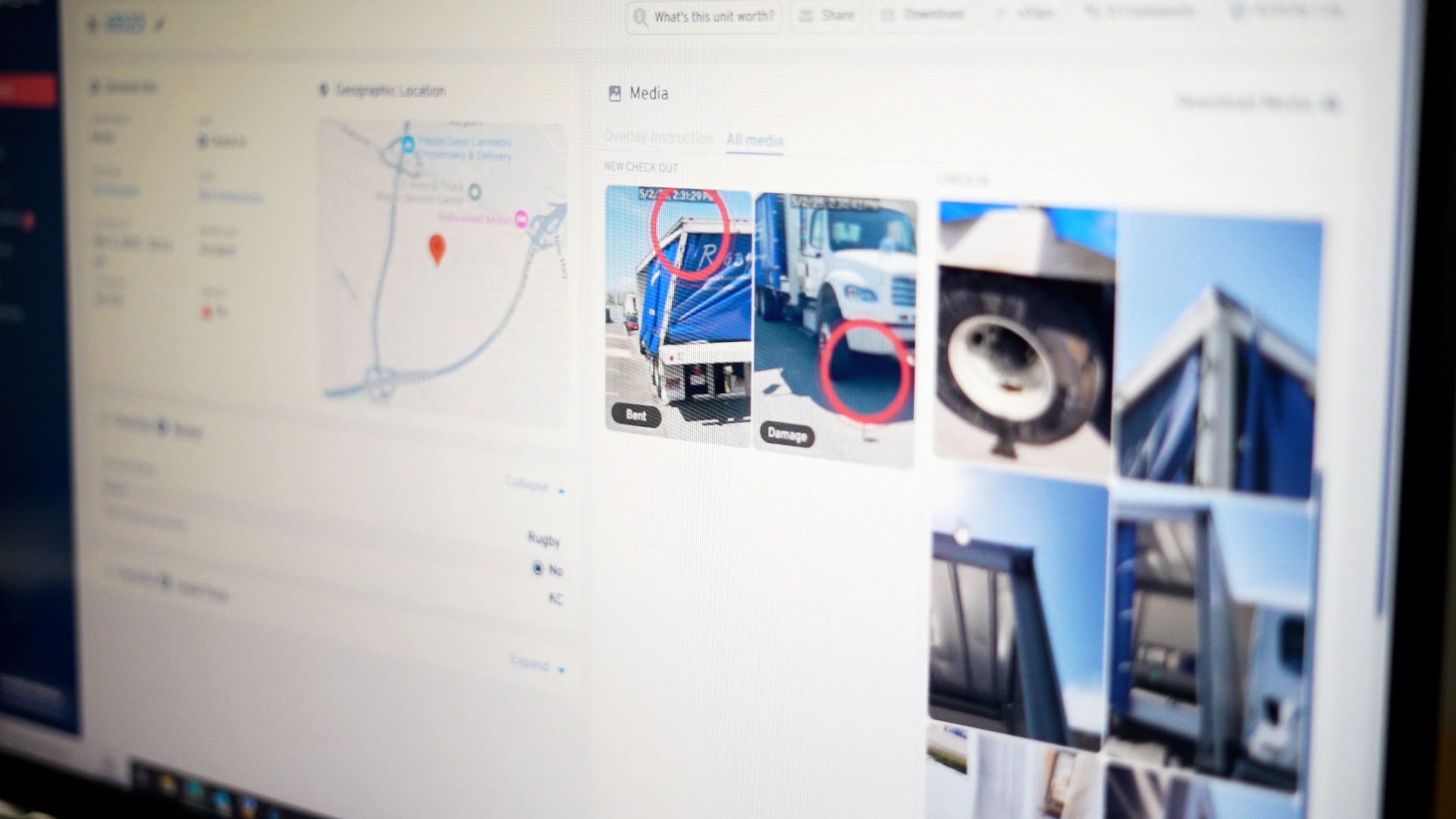
Switching from paper forms and scribbled notes to fully digital inspections doesn’t just make things faster—it also makes your employees more accountable. With digital tools, each vehicle inspection can be recorded, reviewed, and filed. There’s no question of who is responsible for what damage, and there’s a clear record for employers, creditors, or even a judge to refer to if needed.

The transition is simple: in most cases, you can create and adopt this digital practice within a week. And because every inspection is stored securely, you can quickly file, present, or even transfer records when needed. Whether you manage 50 assets or 500 assets, this type of visual documentation gives you an edge.

Long-Term Protection Requires More Than Just an LLC

Many business owners assume that forming a LLC or placing assets in an offshore trust is enough to keep them exempt from claims. But the extent to which you can protect your assets often comes down to what you can prove. State laws, limitations, and lawsuits vary, and without proper documentation, your best-laid plans could fall apart.

Visual evidence is your most reliable form of protection. It supports your marketing, boosts customer confidence, and gives your managers and employees the right tools to avoid costly errors.

Record360 – Adopt a Smarter Way to Protect What’s Yours
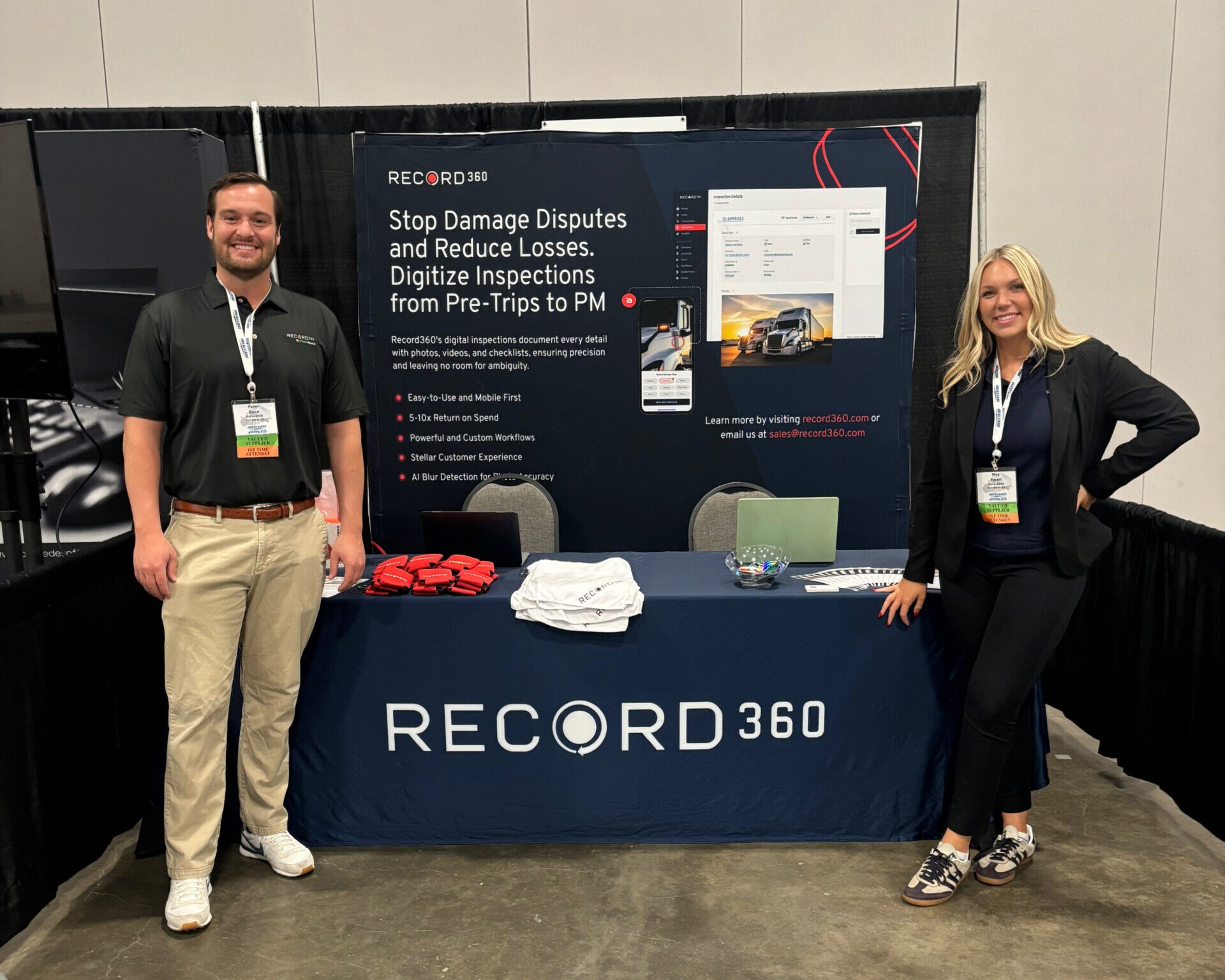
Don’t wait for a costly dispute to remind you how vulnerable your business can be. Start using Record360’s video and photo evidence today. The ability to clearly show the condition of your equipment or property before and after a rental is more than just smart—it’s essential.

From preventing damage disputes to protecting your place in a competitive market, the investment in clear documentation delivers results. It’s time to get ahead of problems and start protecting your bottom line—with undeniable visual proof and digital documentation. Book a free demo with our team of experts today.
See More, Capture More: 0.5x Wide Angle Zoom

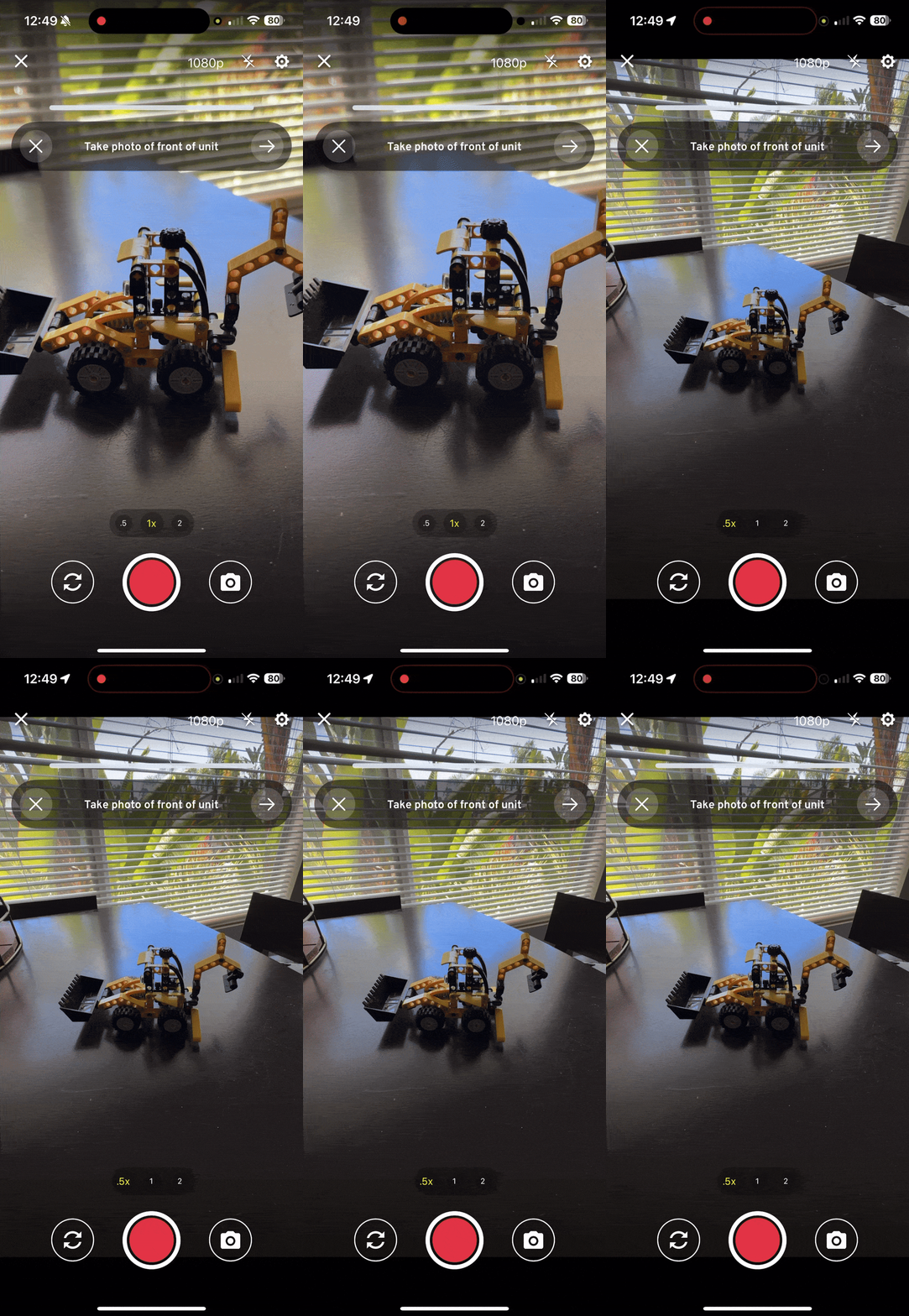
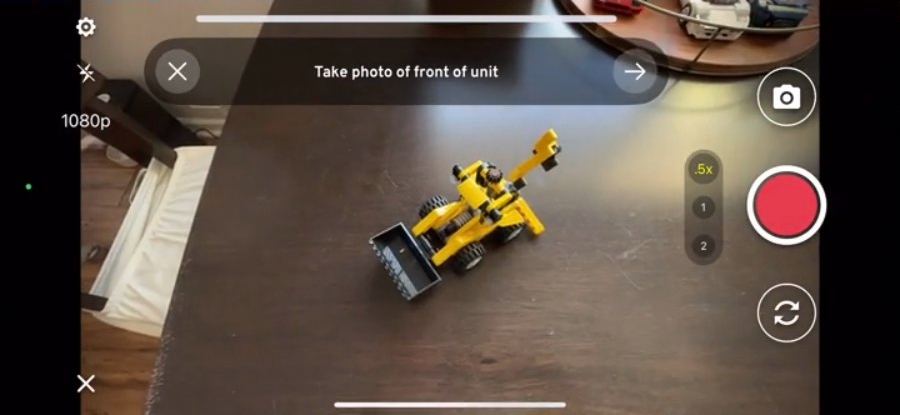
Need to capture a large asset but can’t fit it in your camera’s standard view? With Record360’s new Wide Angle Zoom (0.5x), you can capture the entire asset in one photo or video. Whether you’re capturing a full trailer, a wide piece of equipment, or damage in various places on your asset, Wide Angle Zoom makes it easy.

Frame It All: Photos & Videos

On supported iOS devices with wide angle cameras (most modern iPhones), just pinch to zoom out or tap the new 0.5x button in the camera. The app will automatically switch to your device’s ultra-wide lens and upload the zoomed-out photo just like any other—no extra steps or attachments required.

Wide Angle Zoom will soon be available on supported Android devices.

Who Benefits?

Anyone who performs an inspection would greatly appreciate this FREE update:

  • Better Damage Documentation: Capture the entire asset or damaged area in one frame, providing clearer context and better visibility for claims or approvals.
  • Better Listings: Showcase your full assets online with high-quality, full-frame images.
  • Safer Captures: No need to step back on busy streets or climb on other assets—get the full shot safely from where you’re standing.
  • Faster Inspections: Reduce the number of photos needed by capturing more in a single frame.

Start Using Wide Angle Zoom Today!

Wide Angle Zoom is our latest enchantment that is available to all users across all plans on supported iOS devices. Simply update the app and start utilizing the benefits immediately.

Need additional help? Reach out to our support team at support@record360.com.

New to Record360? Get a demo with our experts today and discover why the top rental companies have already made the switch.

Task Triggers: Automate What Happens Next


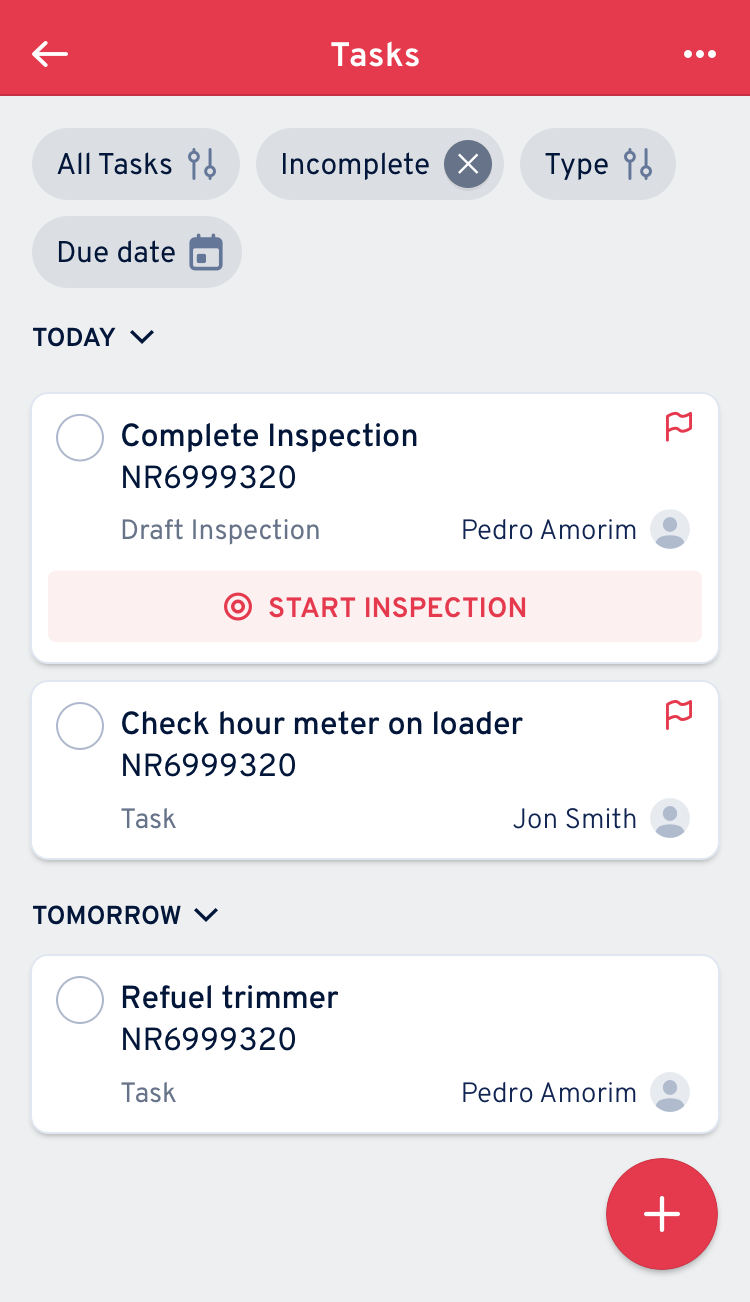
Tired of manual processes after finishing an inspection? Does your team forget to follow-up on important tasks like damages or services due? Need to have an automatic task created for specific departments? Task Triggers take the hassle out of task creation—automating the follow-up process so nothing falls through the cracks. The potential use cases are limitless!

More Automation, Less Manual Work

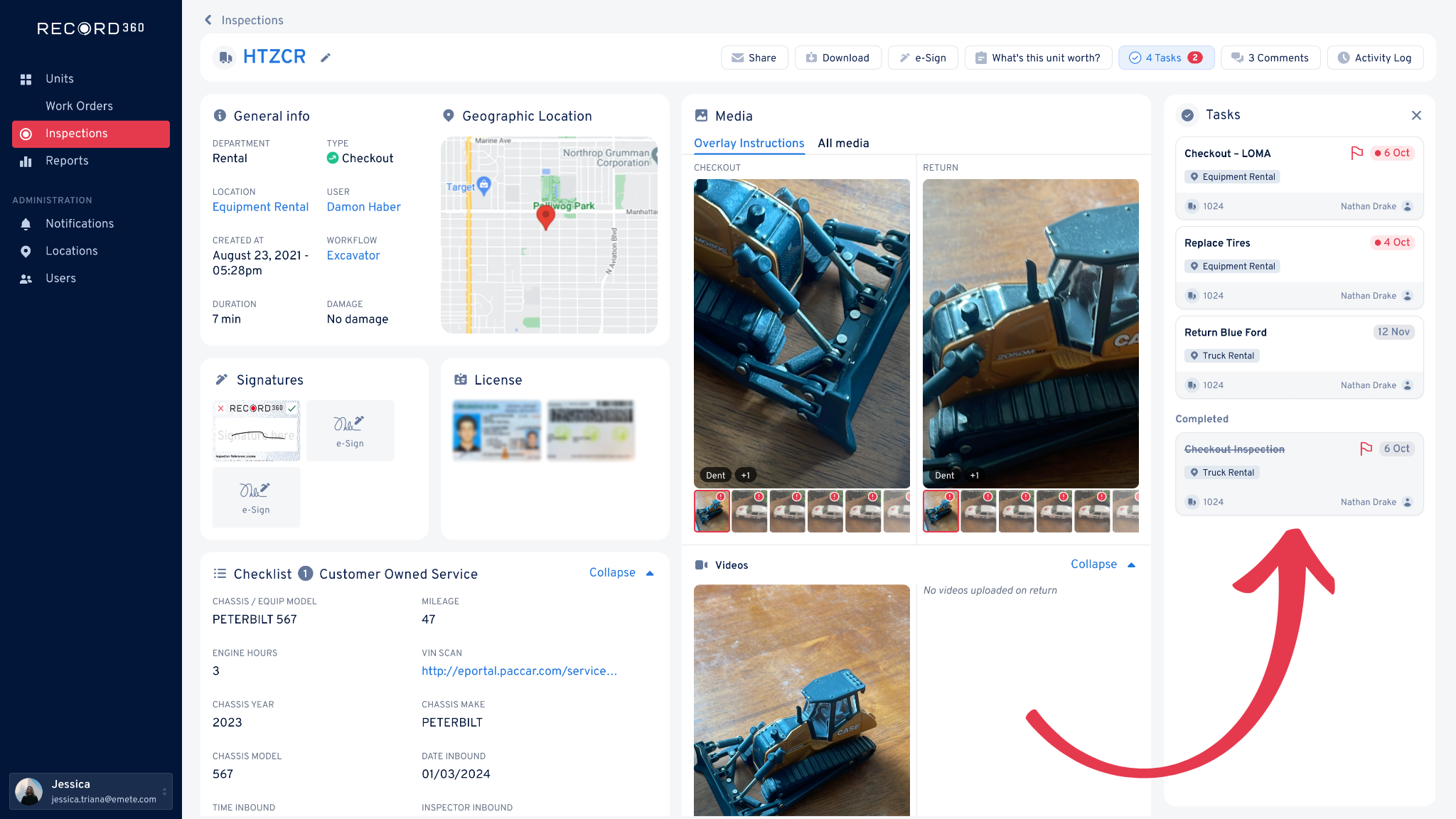
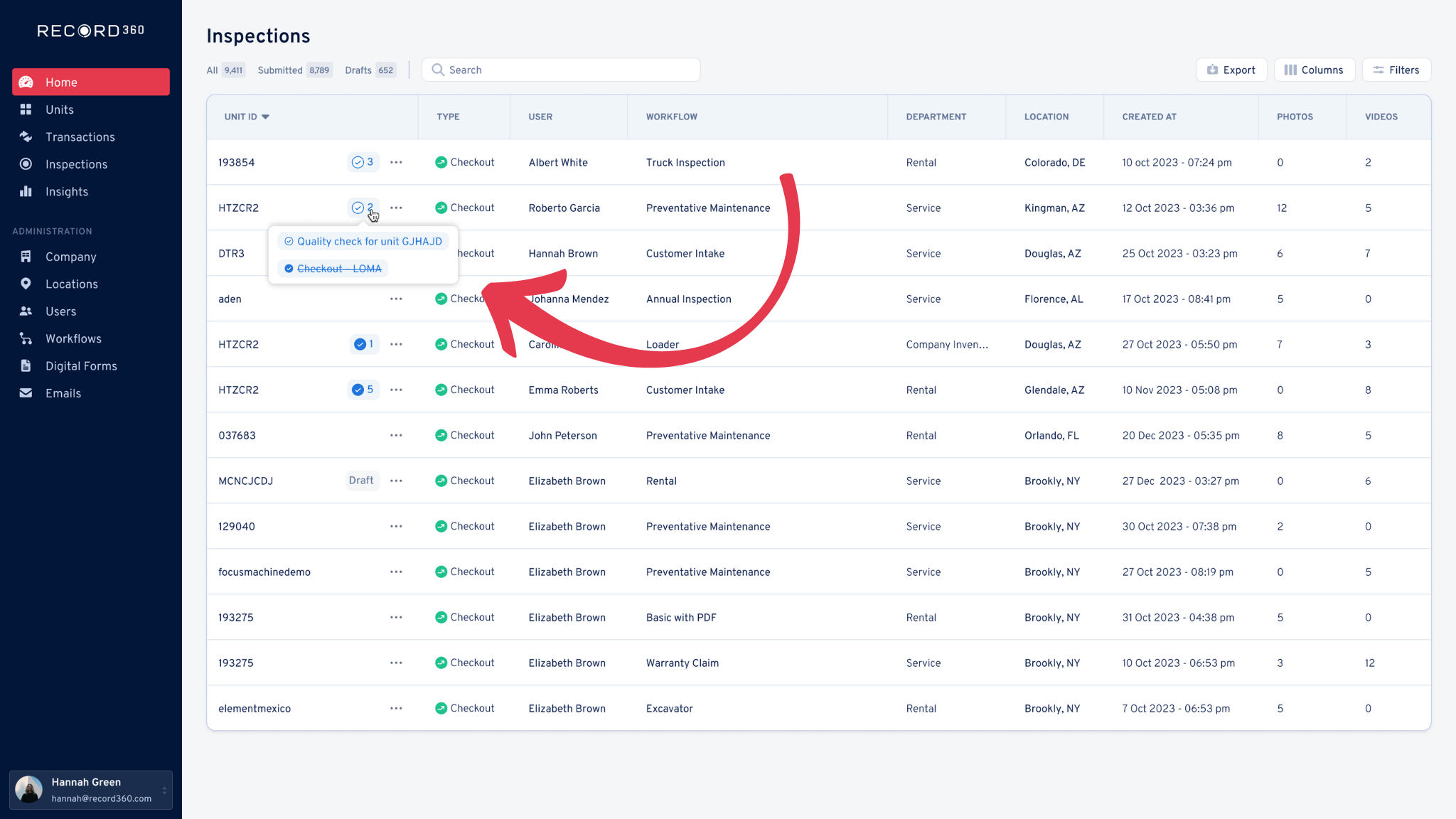
Task Triggers will automate your post-inspection workflows by instantly creating follow-up tasks when key conditions are met. When inspections uncover issues that require fast action such as reported damage, service requirements, or returned rentals, these intelligent rules turn inspection data into immediate, actionable steps. The follow-up tasks are sent to the right team members with due dates, department tags, and workflow labels. This ensures the right follow-up inspections or actions happen, without dropped steps or manual back-and-forth.

Who Is This Designed For?

When inspectors discover issues like damages, overdue maintenance, or missing parts, teams often rely on emails, phone calls, or sticky notes to get the follow-up task done. These outdated methods often lead to delays, miscommunication, and overlooked details. Task Triggers solve this by automating the next steps, ensuring your team stays on top of every detail without lifting a finger—replacing manual follow-ups with smart automation.

Whether you’re managing a fleet of heavy equipment, commercial vehicles, trucks, or cars, Task Triggers help frontline teams, service managers, and back office staff stay aligned, reduce delays, and keep your business running smoothly.

Real-World Applications of Task Triggers

Task Triggers are flexible enough to support a wide range of high-value follow-ups. Here are just a few examples of it in action.

1. Damage Follow-Up

When damage is marked during an inspection, Task Triggers will automatically create a follow-up task for a service manager or technician to review the issue, complete a service inspection, or initiate a repair. Task Triggers take care of notifications without manual intervention.

2. Recurring Inspections

Trigger follow-up tasks for Preventative Maintenance (PM), Department of Transportation (DOT) checks, or other recurring inspections based on form inputs or inspection completions. While not a full scheduling tool, Task Triggers makes it easy to kick off the next step in a recurring workflow, helping you stay on top of routine inspections and keep your fleet in check.

3. Sequencing Inspections

Go beyond standard check-out/check-in flows. Manage custom inspection sequences, like pre-rent checks, ready tags, and more. Each step in the sequence is triggered automatically, aligning with how your operations actually run. Whether it’s across departments, locations, or roles (manager, inspector, mechanic, etc), Task Triggers keep your workflow seamless and efficient.

These are only a few use cases that are possible. Any manually created follow-up tasks can now be automatically generated with our new feature.

Task Triggers: Automate Your Follow-Up Tasks

No more missed steps or manual coordination. Record360’s automated Task Triggers make follow-up task creation easier than ever! From damage follow-ups to semi-annual service checks, your team will operate more efficiently than relying on traditional sticky note reminders.

Want to learn more? Reach out to our team at support@record360.com.

New to Record360? Get a demo with our experts today and discover why the top rental companies have already made the switch.